VPN Information

Proton's FREE VPN
Available in the Google Playstore
and more Devices here > VPN
-----------------------------
Firestick Users
STEP 1
Go to the 'appstore' on your
Firestick's homepage
and search for ProtonVPN.
Download and install,
select Sign in.
-----------------------------
STEP 2
On your Smartphone go to
Select 'Get Proton VPN Free'
Enter your email Address
choose a password
and sign In
-----------------------------
STEP 3
Once signed in go to
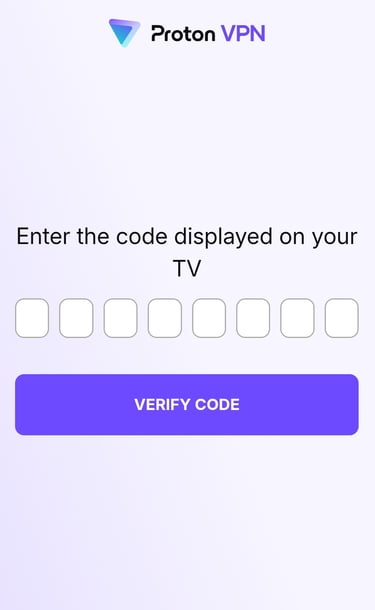
This screen will appear
Enter the 8 digit code
that appears on your TV screen.
You may need to refresh the
screen as the code
changes every 5 minutes
---------------------------------
The VPN will now log in
automatically.
Select one of the
Unlocked Countries.
---------------------------------
STEP 4
Proceed to your IPTV app.
That's it!
You now have a 100%
FREE ProtonVPN
* Check your email and
verify your Proton Account *
Video help below

Internet Service Providers
actively attempt to block IPTV.
A VPN will overcome any blocks and fix your buffering issues.
A VPN will ensure that your
Internet service provider
(ISP), app/addon developers,
hackers, site operators, and other
organizations can’t monitor and log
what you are streaming or downloading.
A VPN encrypts your connection to the Internet
and creates an anonymous connection through
a masked IP address, which will hide
your identity and activity.
If your service is blocking you use a VPN.
My IPTV Streams is the leading provider of IPTV services for worldwide use. We offer a wide selection of channels and packages, easy setup, and friendly 24/7 support. Our mission is to provide the best streaming experience to our customers, so they can enjoy watching their favorite shows from anywhere in the world.